Choose your pace.
Set your preferred maximum posted speed and choose whether to avoid highways. Compare the routes that fit your settings.
 rideline
MADE FOR THE RIDE
The best ride isn’t always the fastest way there. Plan motorcycle routes around the roads you want to ride, with room for a few stops along the way.
Find your kind of rideIn development for iPhone
A RIDE THAT FEELS LIKE YOURS
Your everyday navigation app helps you reach a destination. RideLine puts the ride itself at the center: choose the posted road speeds you’re comfortable with, prefer roads off the highway, and shape the trip around your stops. It checks reported speed limits against your settings and makes gaps in that data visible, so you can take a closer look before heading out.
Set your preferred maximum posted speed and choose whether to avoid highways. Compare the routes that fit your settings.
Add a place you’ve been meaning to visit, rearrange your stops, and look for fuel along your route. Leave room for the good parts.
Save a route to ride again and revisit your ride history. Your next day out can start with an old favorite.
A clearer picture, before you go: RideLine highlights stretches where speed limits are unknown. Coverage varies; always follow posted road signs.
FROM THE PLAN TO THE RIDE
A closer look at route planning on iPhone and the companion view on Apple Watch. Real app screens, captured in simulators with an example route and simulated location.
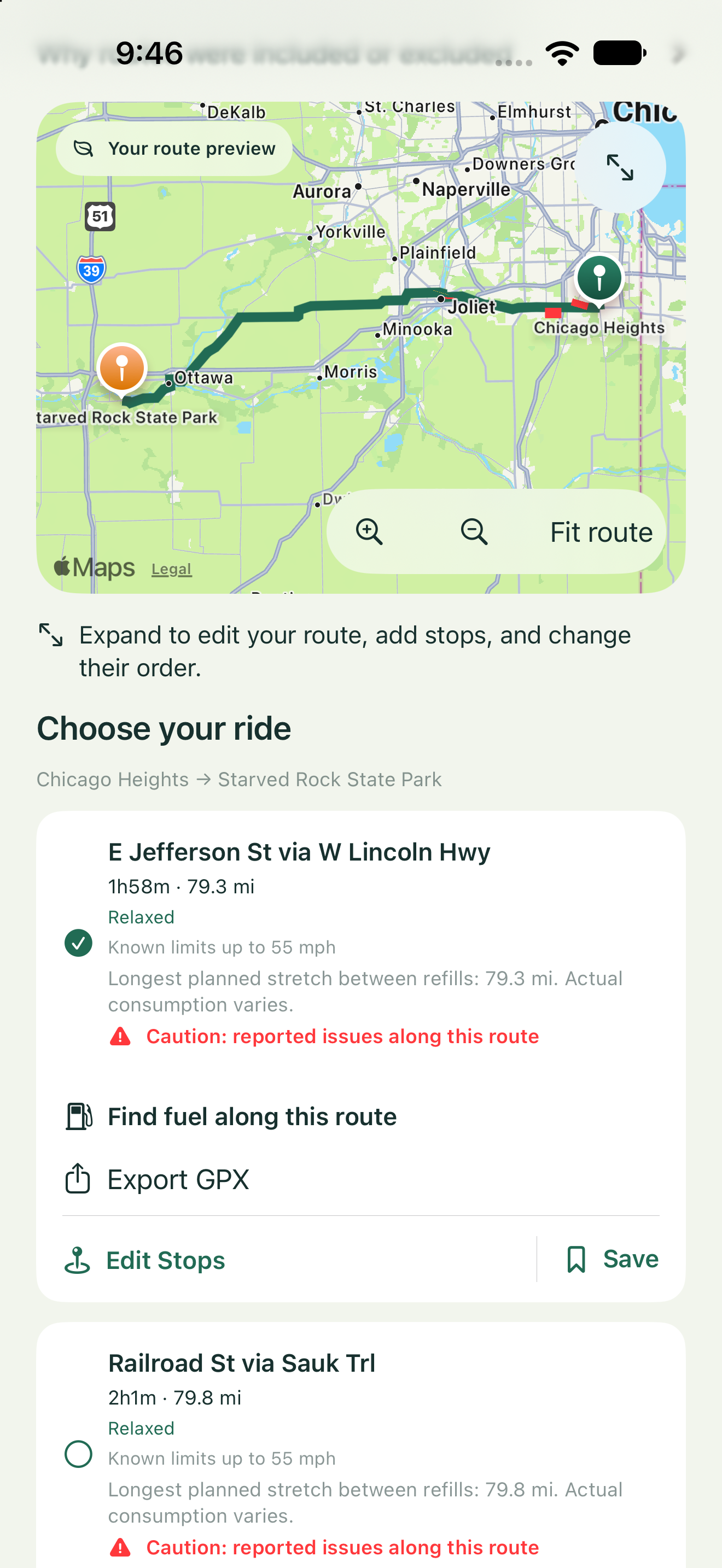
Compare routes on the map, check reported road speeds, and make room for fuel and other stops.
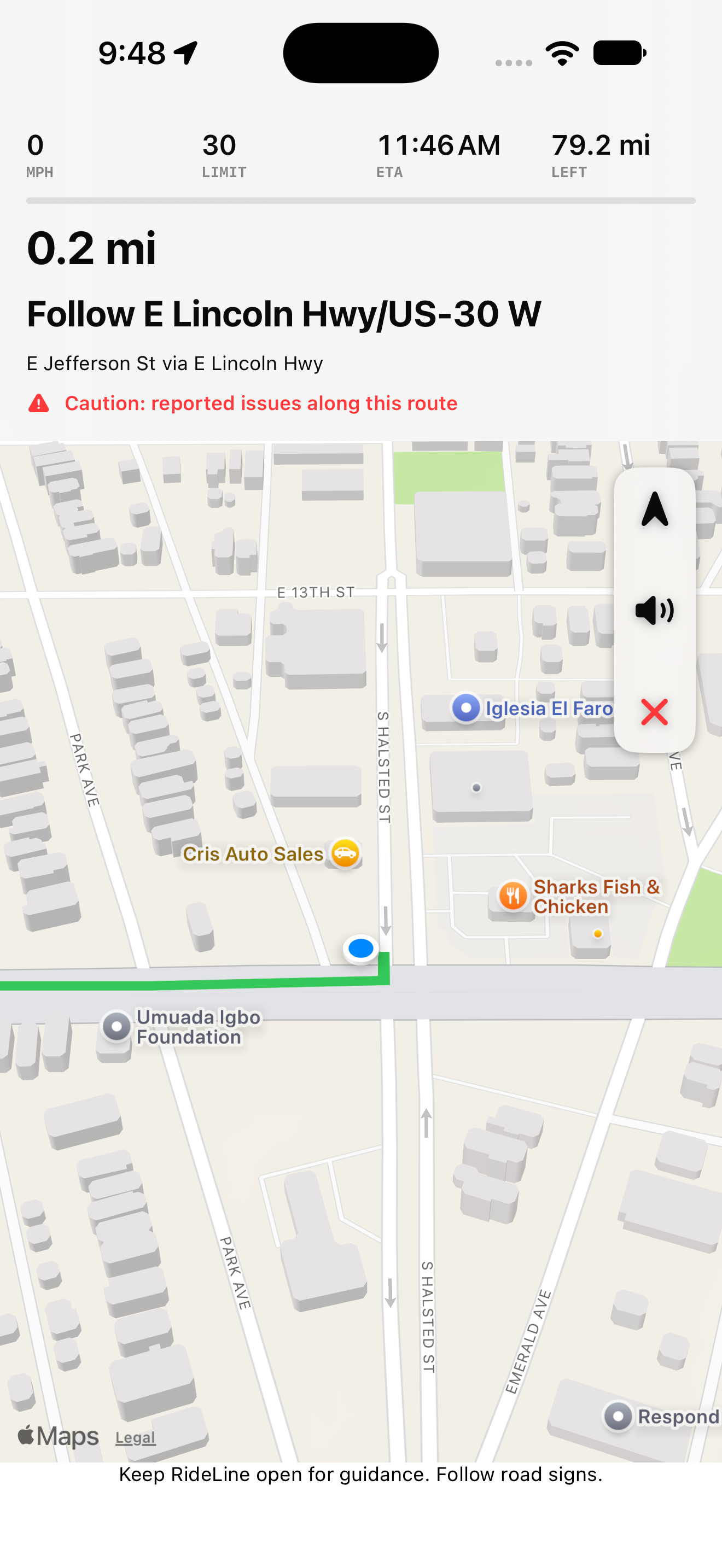
Follow the selected route with upcoming directions and ride details together on the map.
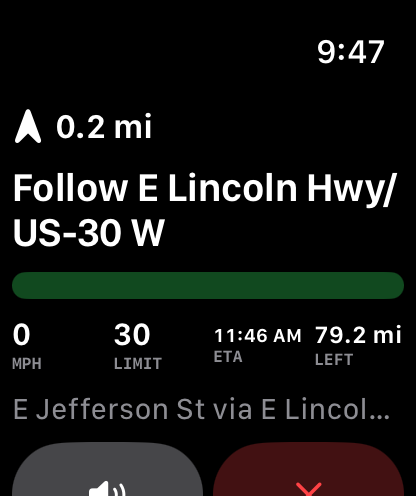
See the next instruction and key ride details on Apple Watch, connected to the ride started on your iPhone.
Tap a screenshot to take a closer look. Interface and features may change before release.
THE NEXT ROAD IS AHEAD
We’re building a more personal way to plan a motorcycle ride.
RideLine is in development for iPhone.
RIDE YOUR PACEBEFORE YOU HEAD OUT
RideLine is still in development. There isn’t a public download available on this site yet. We’ll add release information here when it’s ready.
RideLine starts with how you want to ride: your preferred posted road speeds, your highway preference, and the places you want to stop. It brings those choices into a motorcycle route planner for iPhone.
No. Routes can include roads with missing speed-limit data. RideLine marks those stretches as unverified and excludes returned routes with known limits above your configured ceiling. Road signs and actual conditions always take priority.